 The Core Pillars of Premium Conversion Attribution
High-ticket buyers have long sales cycles. They don’t click an affiliate link and instantly buy a $5,000 enterprise tool. They read reviews, watch case studies, jump on your email list, and buy 14 days later. To optimize your revenue, your technical backend must track behavior across three distinct verification layers:
[ Layer 1: First-Touch Source ] ──> Where did they discover you? (SEO Blog Post / Short Video)
[ Layer 2: Middle Nurture ] ──> How did they build trust? (Email Sequence / Lead Magnet Opt-in)
[ Layer 3: Last-Touch Action ] ──> What specific trigger closed the $1,000+ payout? (Affiliate Link Click)
Standard low-ticket marketers focus only on Layer 3. They blast raw links across the internet and cross their fingers. Advanced high-ticket optimization balances all three layers. By mapping exactly which blog headers attract enterprise buyers and which email modules close them, you turn random conversions into a predictable sales engine.
 Step 1: Track User Interactions Inside Premium Content Silos
To optimize a high-ticket review site for high conversions, you must study how premium buyers interact with your long-form text. Casual visitors skim summaries, but high-ticket buyers examine full feature lists, pricing matrices, and comparison tables. You need behavioral software to verify if users are actually consuming your highest-converting text blocks.
High-Value Affiliate Behavior Metrics to Monitor:
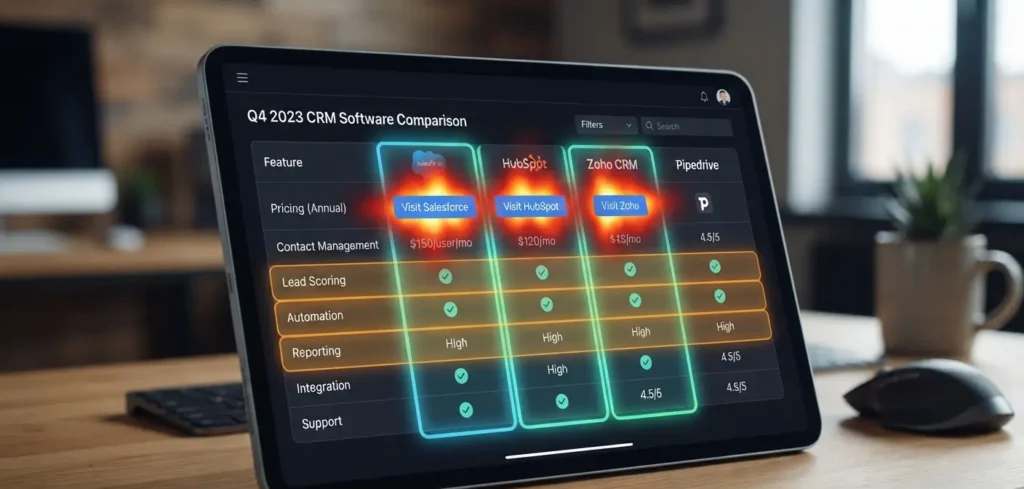
* Review Table Interaction: Tracking if visitors click your comparison tables before reading the rest of your text.
* Affiliate Link Friction: Isolating the exact paragraph or heading where a user drops off before clicking an outbound tracker.
* Scroll Depth Mapping: Verifying if users reach your deep-dive ROI case studies placed near the bottom of your post.
 Featured Operational Tool: Hotjar
* The Tool: An industry-standard behavior analytics suite that equips webmasters with real-time visitor heatmaps, session recording playbacks, and fast feedback surveys.
* The Big Reason to Get It: It removes the mystery from your conversion gaps. Instead of wondering why your traffic reads a $2,000 product review but leaves without buying, Hotjar lets you watch anonymous video playbacks of real users interacting with your text. You can see exactly which paragraphs hook their attention, confirm your call-to-action buttons are positioned perfectly, and optimize your layout to drive more clicks to your partner links.
* Traffic Application: Capture high-intent tech optimization buyers by writing technical user-experience guides targeting long-tail phrases like “How to optimize high-ticket affiliate reviews using Hotjar heatmaps”.
 Step 2: Deploy Server-Side tracking to Protect Commission Attribution
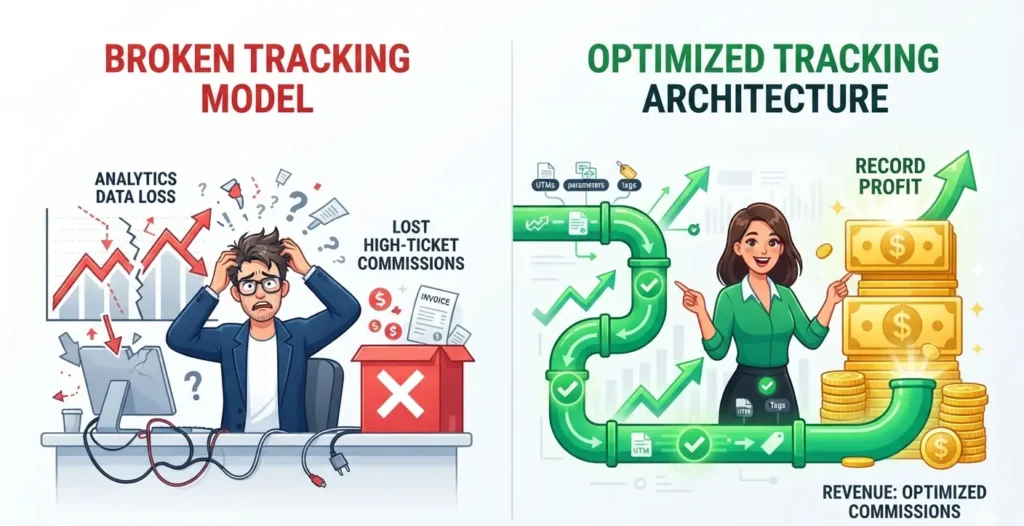
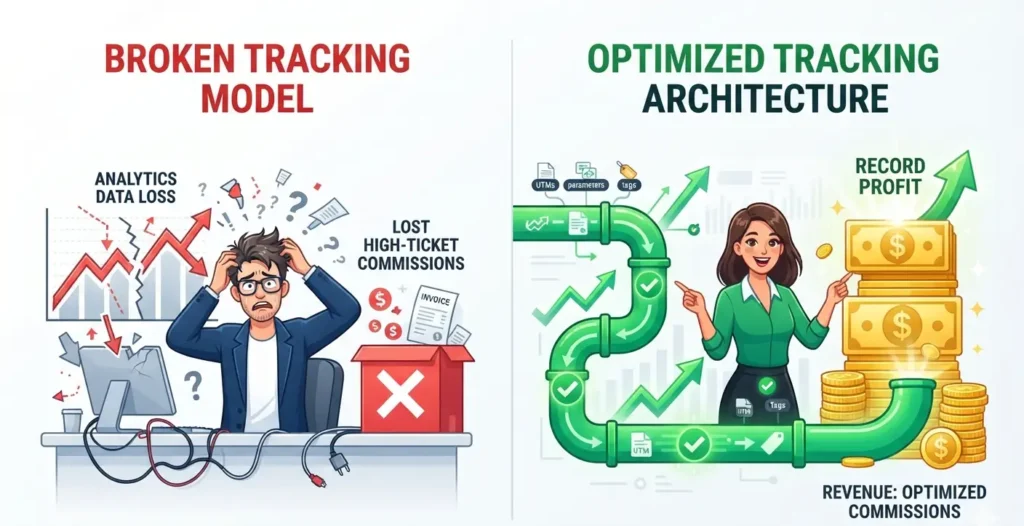
With modern privacy settings, browser ad-blockers, and privacy regulations tightening, basic browser-based pixel tracking is broken. If you rely exclusively on default affiliate network tracking links, you will lose up to 30% of your data validation. If an ad-blocker wipes out your tracking cookie during a buyer’s 14-day evaluation period, you lose a multi-thousand-dollar payout. You must use server-side tracking pipelines.
Featured Operational Tool: FunnelFlux* The Tool: A hyper-powerful, enterprise-tier visual link tracking and click attribution engine built specifically for data-driven media buyers and optimization specialists.
* The Big Reason to Get It: It secures your commissions. FunnelFlux bypasses standard browser restrictions and cookie blocks by tracking clicks through your own custom server domain rather than an external script. It tracks multi-touch paths, mapping out if a user originally came from a TikTok video, read an SEO blog post, joined an email list, and purchased—ensuring every high-ticket sale routes back to you.
* Traffic Application: Target professional affiliates and agency owners by drafting optimization blueprints targeting long-tail phrases like “How to secure high-ticket affiliate tracking payouts with FunnelFlux server-side links”.
 Step 3: Structure Your Tracking Blog Pages for Google Search Spiders
To attract serious, data-driven buyers without relying on expensive paid advertisements, you must structure your affiliate tracking tutorials according to strict, search-engine-approved on-page rules.
* Front-Loaded H1 Tags: Position your primary keyword phrase within the first 3 to 5 words of your main article title to signal immediate topical relevance to search engines.
* Short, Target URL Slugs: Strip away dates, years, or excessive category strings to keep your links recognizable and search-engine-friendly (e.g., ://yourdomain.com).
* The 100-Word Rule: Introduce your target focus keyword naturally within the first two paragraphs of your article to verify text relevance to web crawlers and humans alike.
* Logical Subheading Structure (H2 & H3): Use proper HTML header tags to chunk your content down into scannable fragments, making it easy for Google to display your text chunks inside AI Overviews and featured snippets.
 Step 4: Protect Site Loading Speeds with Compressed Multimedia
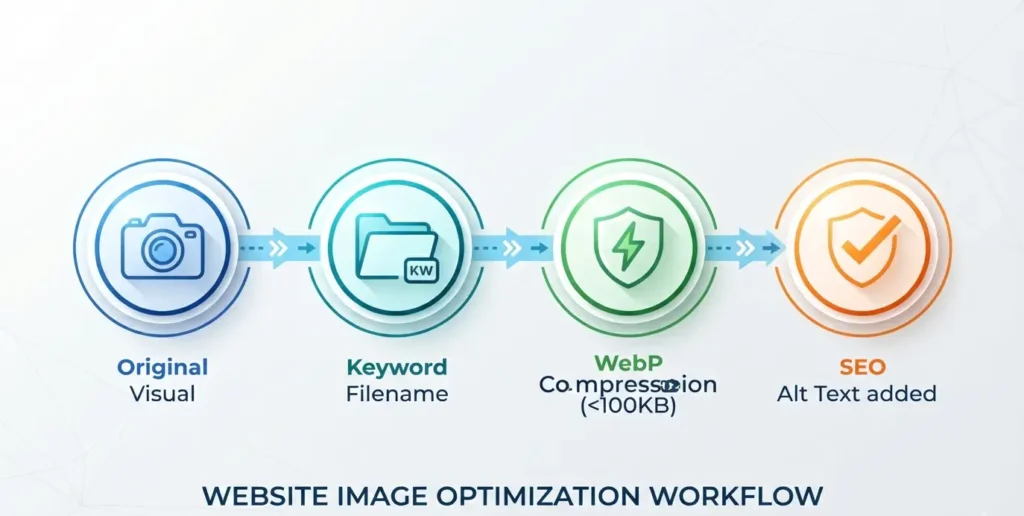
High-ticket buyers will exit your site immediately if pages take more than a couple of seconds to fully render on their mobile devices. Slow loading speeds cause high bounce rates, which tell Google your site provides a poor user experience, leading to a permanent drop in your search positions. Images and infographics are the primary cause of slow site performance.
How to Structure your List to Rank on GoogleTo turn your listicle into an organic traffic magnet that ranks on page one of Google search, you must implement a strict, technical on-page SEO framework.
* Clean URL Slugs: Remove all messy tracking strings or automatic dates from your link strings. Keep it highly focused on the primary keyword phrase: ://yourdomain.com.
* Front-Loaded Title Tags (H1): Ensure your exact target keyword phrase sits within the first 3 to 5 words of your main article title to signal clear context to search engines.
* The 100-Word Rule: Introduce your target core keyword naturally within the first two paragraphs of your article. This confirms to the human reader that they clicked the right link, while giving web crawlers immediate confirmation of page topic relevance.
* Logical Subheading Structure (H2 & H3): Use subheadings to break your content up into scannable chunks. Google frequently scans your H2 and H3 tags to pull text out for featured snippets and AI Overviews.
Protecting Site Loading Speeds with Compressed MultimediaHigh-ticket buyers will exit your site immediately if pages take more than a couple of seconds to load on their mobile devices. Slow loading speeds cause high bounce rates, which can damage your search engine rankings. Images and infographics are the primary cause of slow performance.